Magic
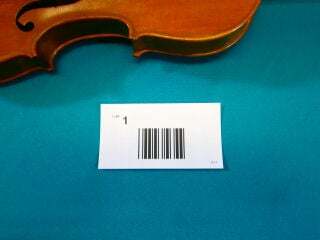
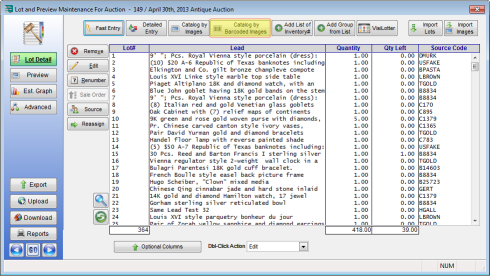
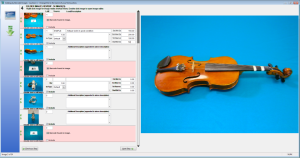
Auction Flex will now automatically read the barcodes from the images and use them to assign the images to the appropriate lot numbers.
In the above screenshot you will notice that the barcode was read from the first image and then automatically excluded from being assigned to the lot. The second image, which is the first real image of the lot, is used to enter the consignor code, inventory type, description, and other relevant info. Each additional image of the same lot can be used to type additional description. As you are working, the thumbnail of the active row is automatically displayed in large size on the right which helps in describing details of the item.
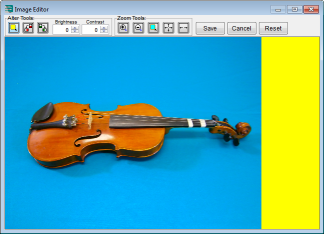
There is also a built-in image editor that you can use to rotate, crop, and adjust brightness and contrast. To bring up the image edit tool simply double-click a thumbnail.
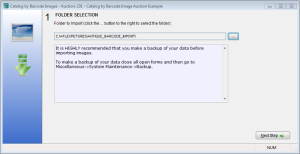
Once you're done with the data entry, click Next Step.